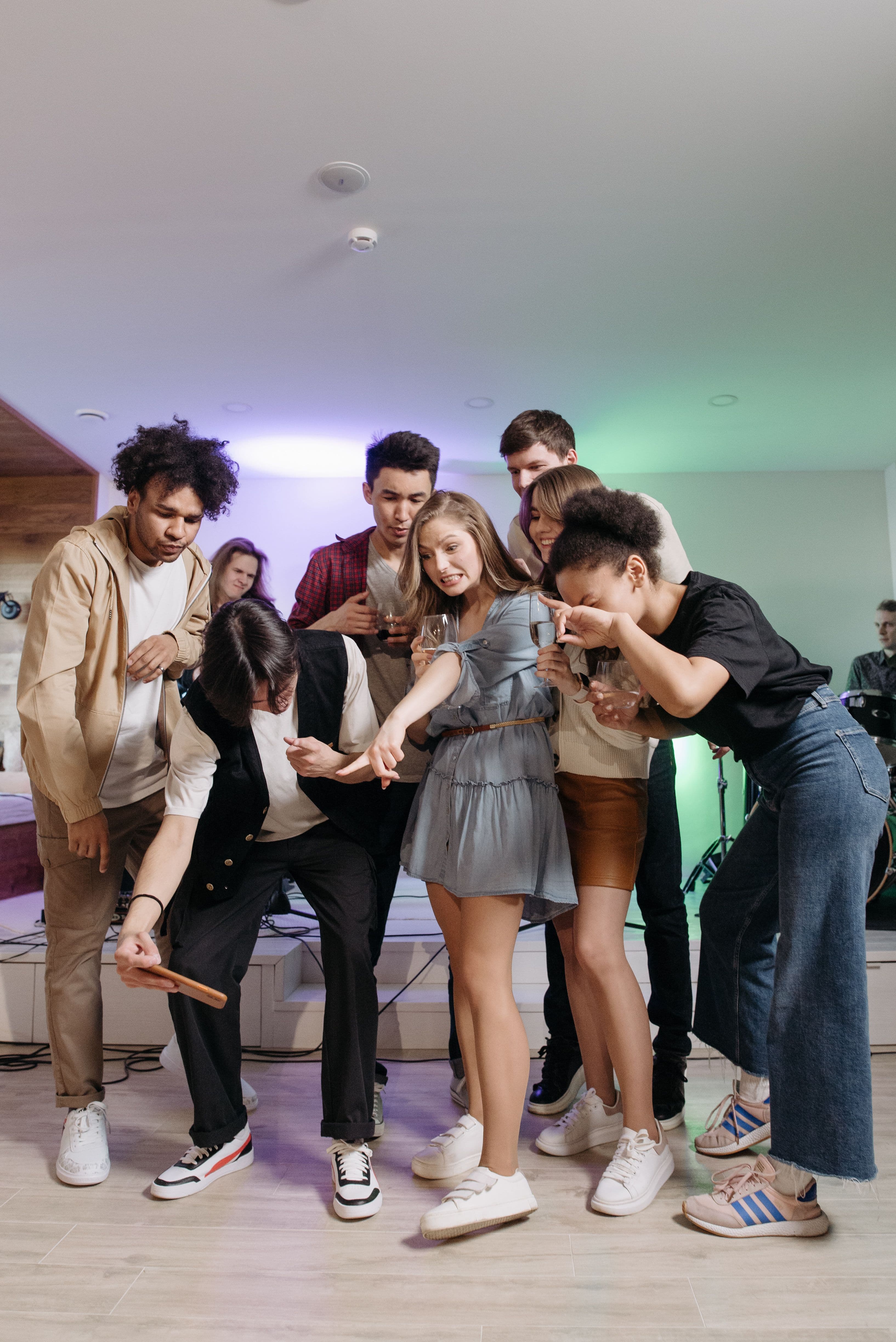
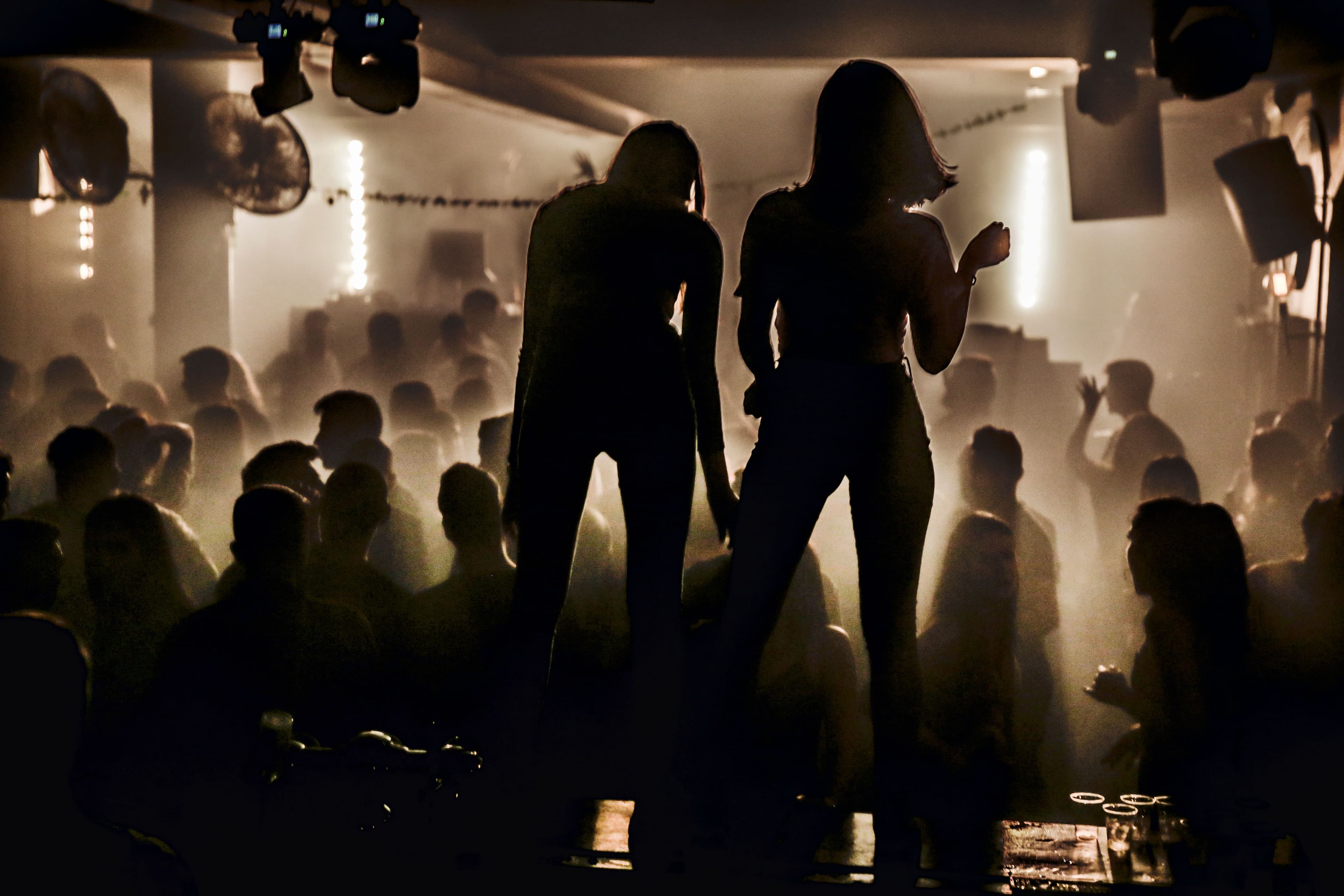
Scan, shoot, done.
Put a QR code on the table. Your guests take photos with their own phone, and every photo lands in one shared gallery. No app, no account for guests.
Free. Set up in a minute.


This is what guests see
The demo party's gallery.





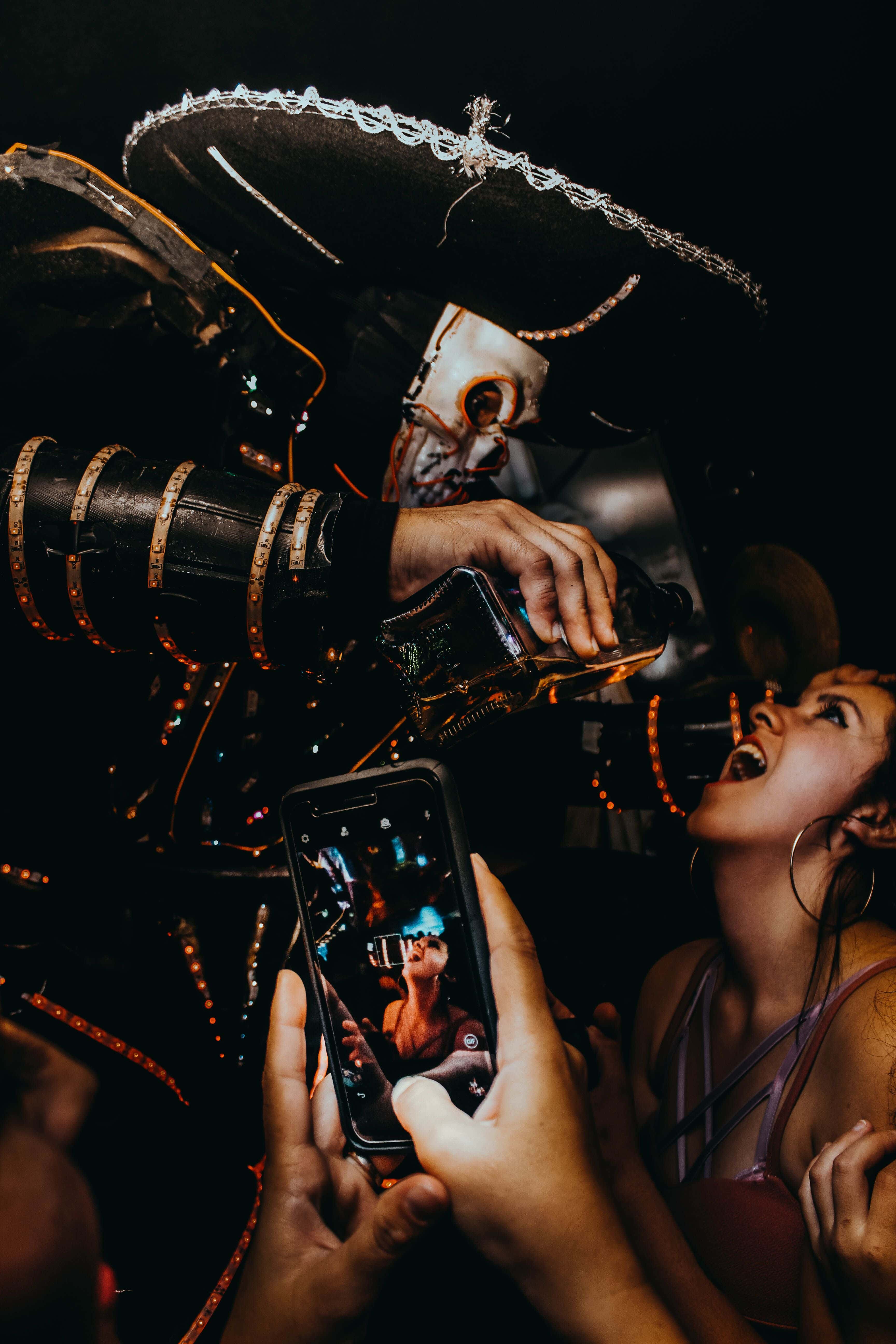



How it works
1. Create the event
Name, date, done. You get a link and a QR code.
2. Put the code on the table
Print it on the table cards or show it on a screen.
3. Guests scan and shoot
The phone camera opens in the browser. Nothing to install, nothing to sign up for.



Not another group chat
Full size, not squeezed
Photos arrive as they were taken, not compressed by a chat app.
One place for the whole night
Every guest's photos in one gallery, not spread across chats.
Nobody has to ask
The QR code does the explaining. Guests never sign up.
You stay in control
Only people with the link see the gallery. Hide any photo, download everything, and the photos are deleted after the event.
Made for
- Birthdays
- House parties
- Weddings
- Family gatherings
- Team events
Pick the party's colour. The gallery your guests open wears it.
Questions
Do guests need an app?
No. They scan the QR code and the camera opens in their phone's browser. No download, no account.
What does it cost?
Nothing right now. A free event holds up to 100 photos over 48 hours, and you can run 3 at a time.
Who can see the photos?
Only people with the event link or QR code. Galleries are not listed anywhere, and search engines are told to stay out.
How long are the photos kept?
14 days after the event ends. You get an email before they are deleted, and you can download everything as a zip at any time.
What about photo quality?
Photos are uploaded at 2048 pixels on the long edge, plenty for screens and prints. Switch on high quality and guests upload the full resolution.
Can I remove a photo?
Yes. As the host you can hide any photo from the gallery, and guests can report one.
Ready for your next party?
Set it up now and have the QR code on the table before the first guests arrive.
Create your event